Live Learning with Edverra
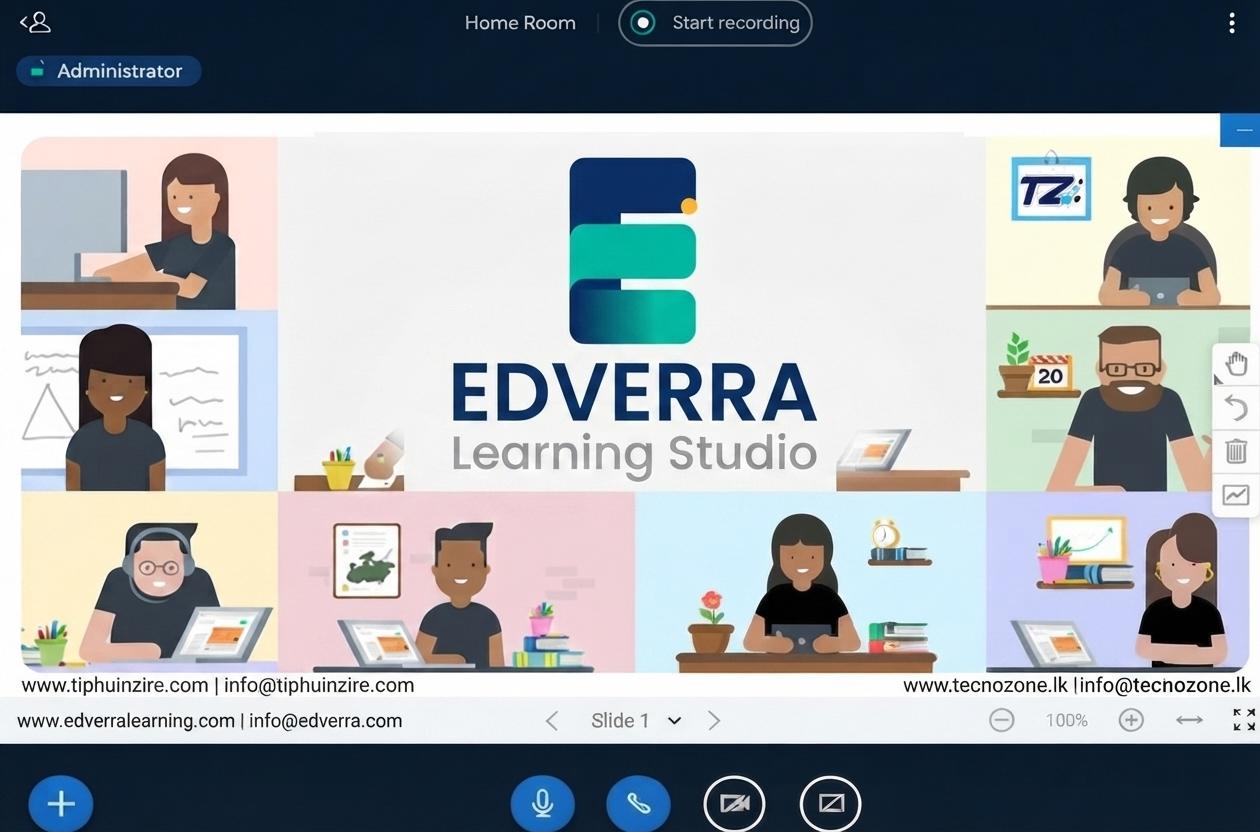
Live learning, also known as synchronous learning, is a real-time, interactive educational experience where instructors and learners engage in sessions simultaneously. Unlike self-paced courses, live learning allows instant feedback, collaboration, and dynamic discussions enhancing the overall learning experience.
Key Features
Following are some of the Key Features in Edverra Live Learning.
HTML Player
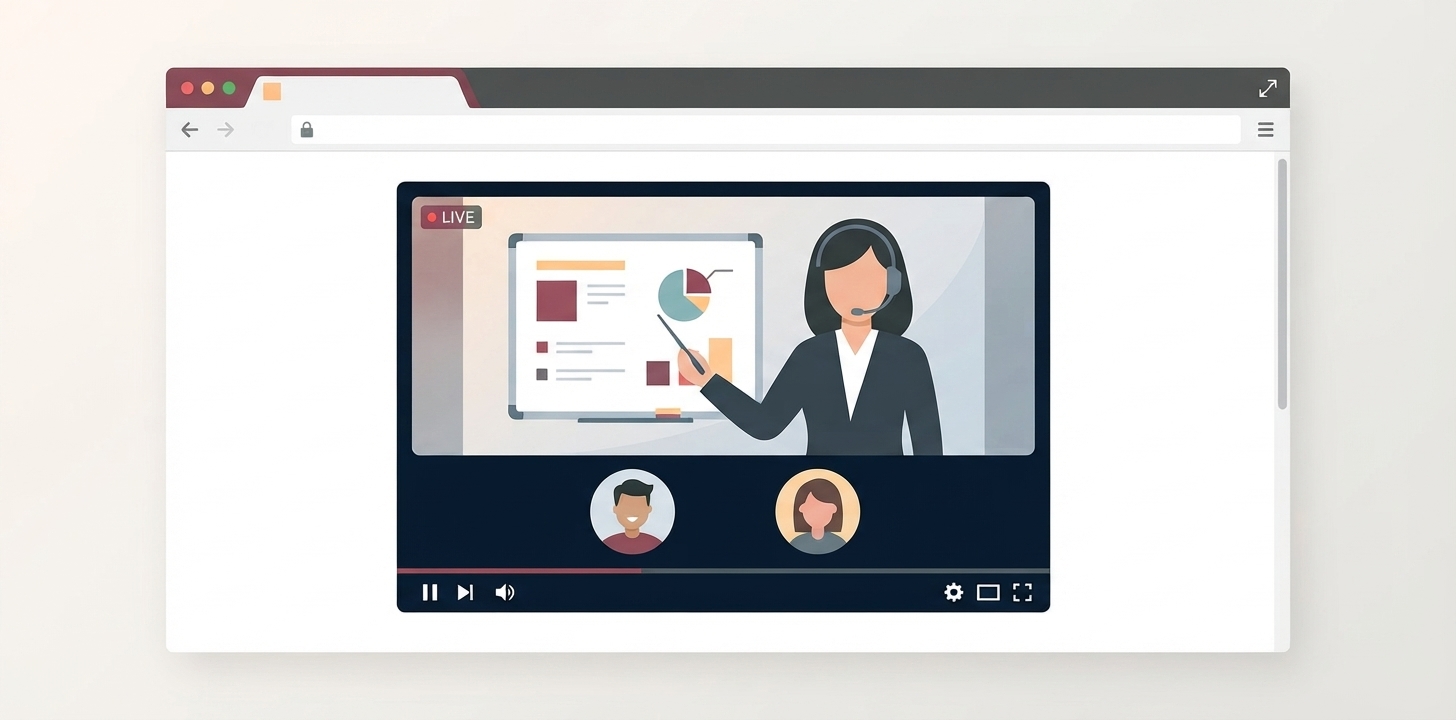
Edverra Live Learning system comes with a built in HTML5 player which runs in the browser. Hence, no download of software required by the student.
Recording
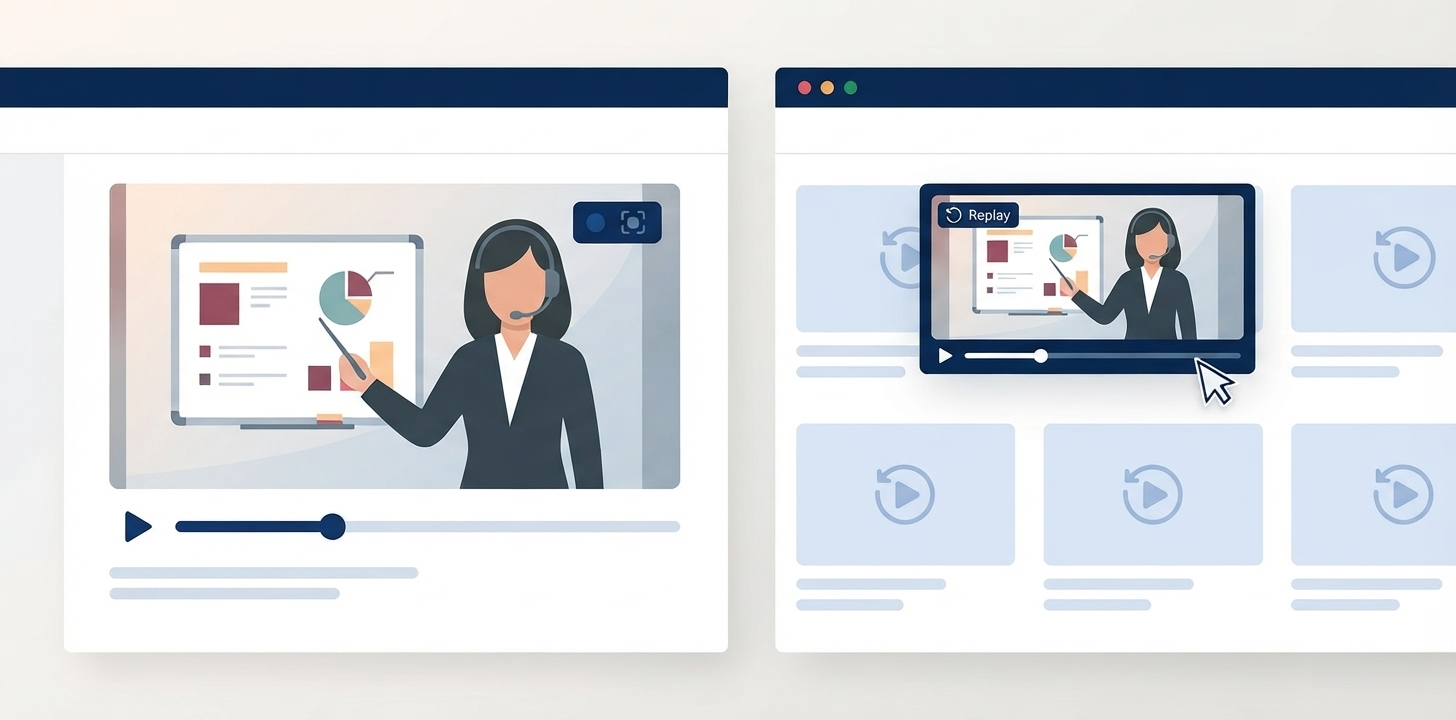
The system allows the instructor to record the session. The recorded session is available for viewing within the course section in Edverra.
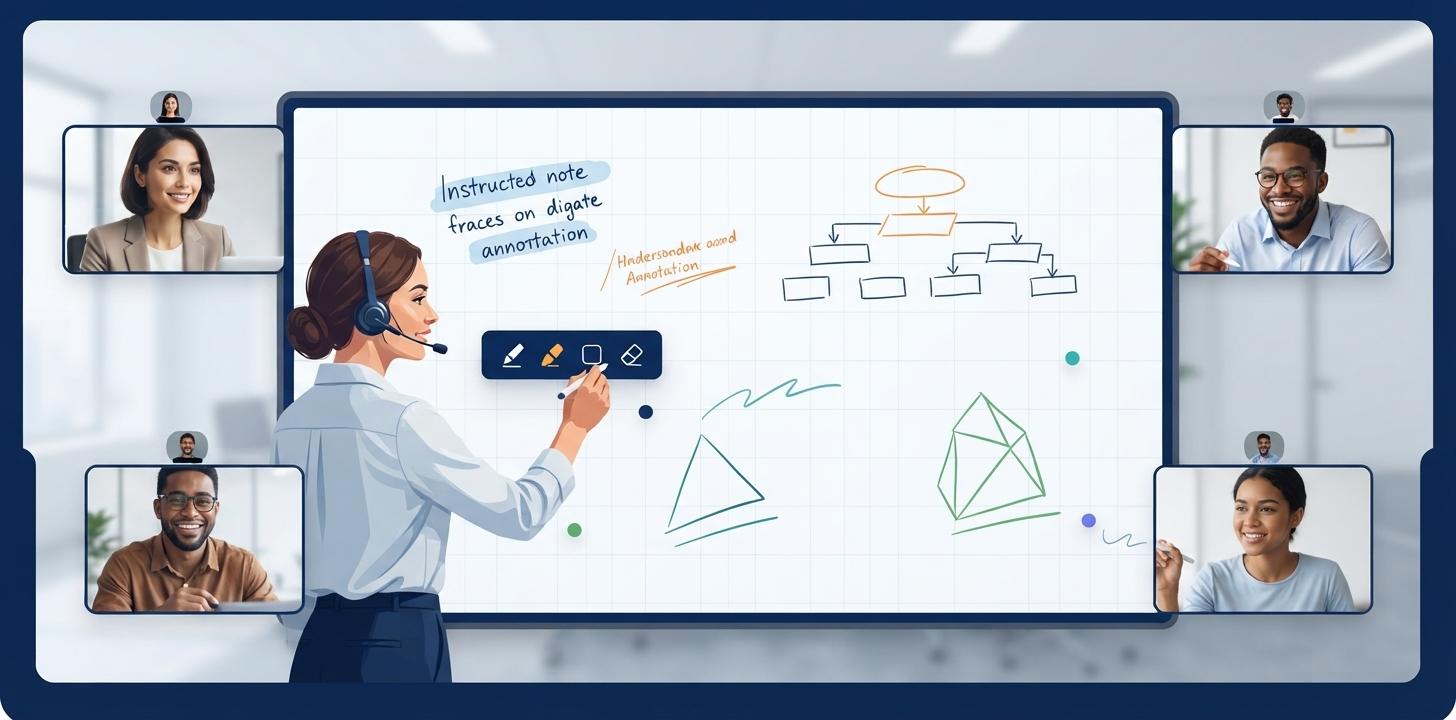
Multi User White Board
The whiteboard with controls for text and drawing allows instructor to annotate key parts of the lesson interactively. The multi-user feature in whiteboard allows everyone to write or draw on the whiteboard.
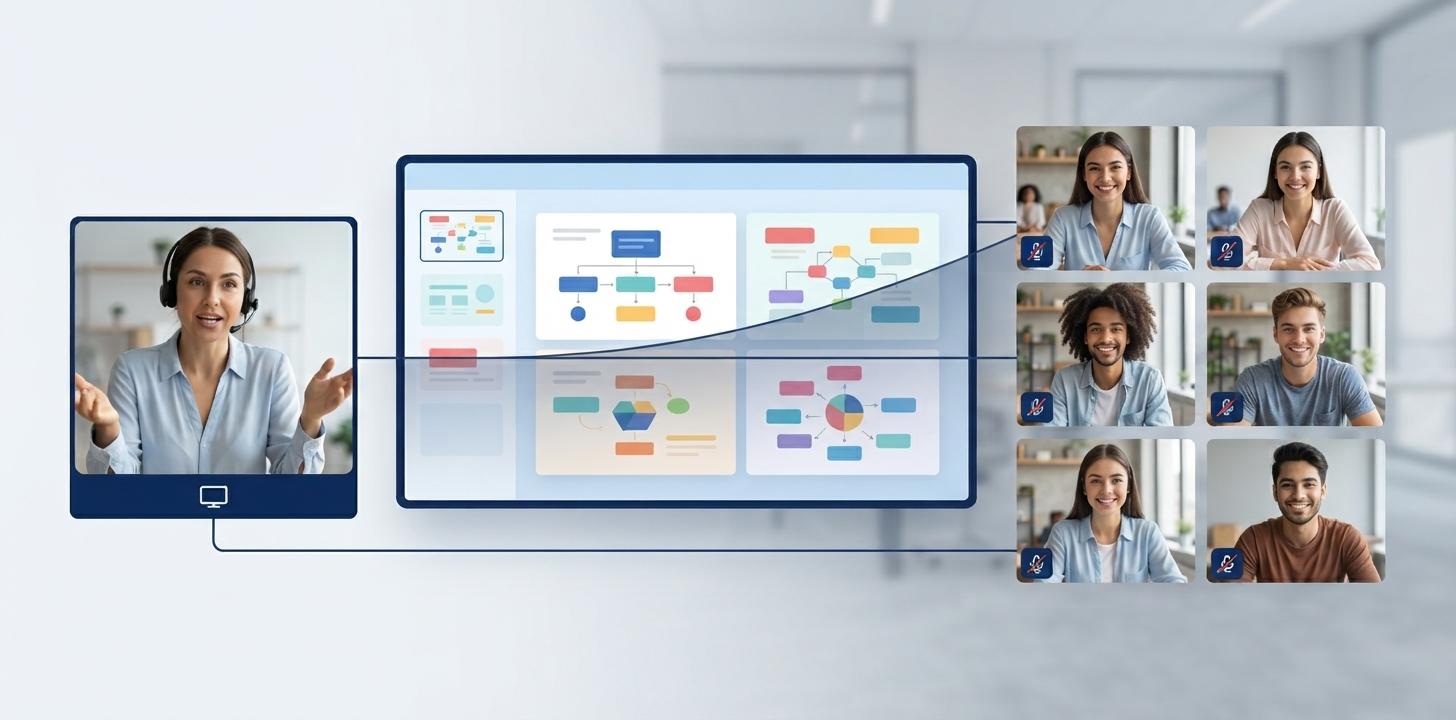
Screen Sharing
Edverra Live Learning allows the instructor to share the screen with students or upload presentation to the system.
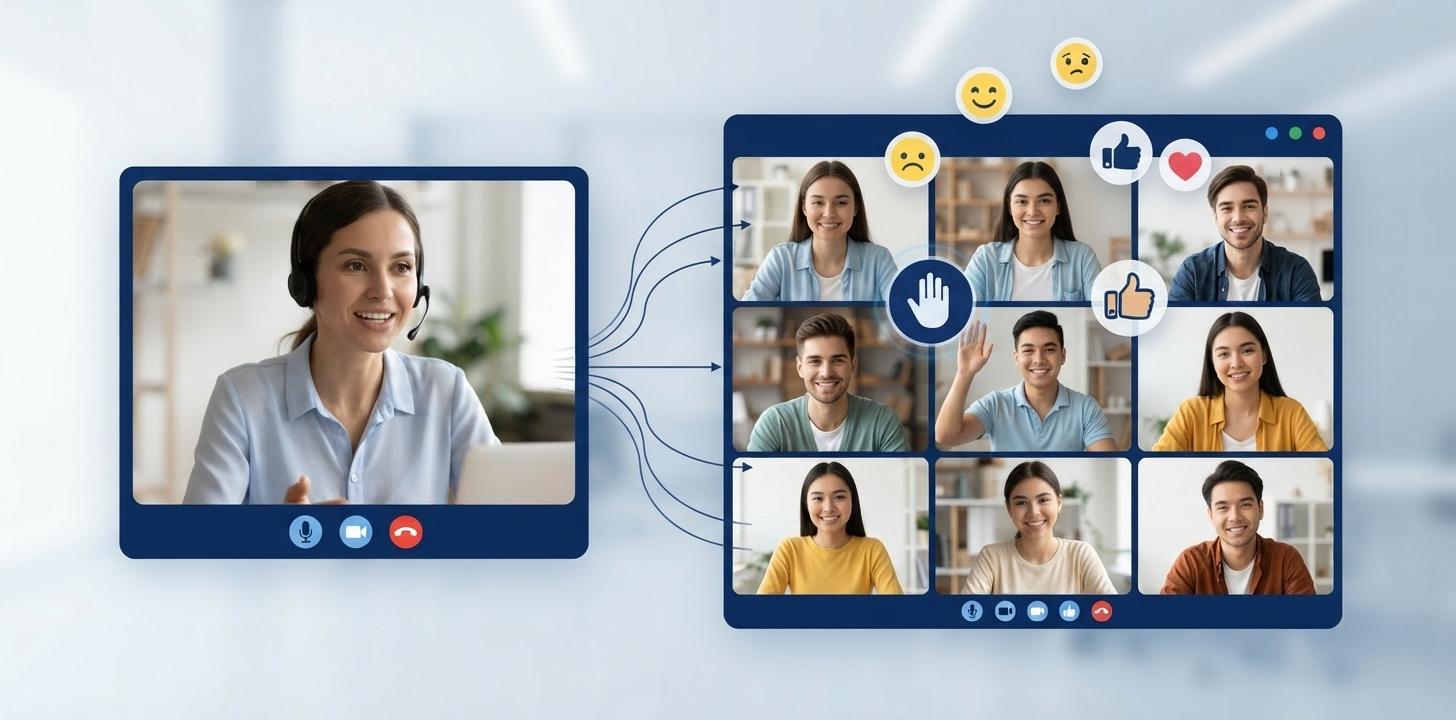
Students Interaction
Edverra Live Learning system has the ability to let students interact with the instructor. Raise hand and give feedback with emojis such as happy, sad, undecided, thumbs up etc.
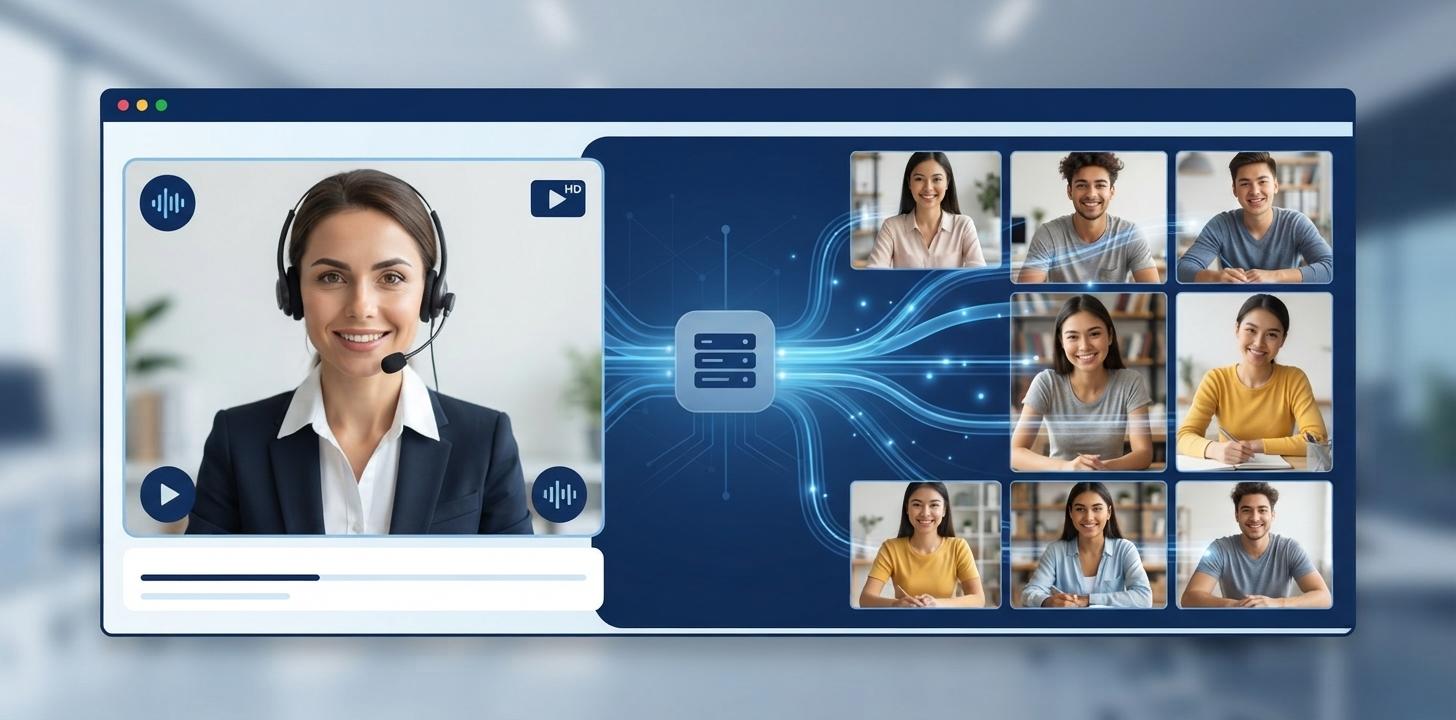
Multimedia Enabled
The system is optimized to work through high quality audio and video streaming. Edverra has deployed its own dedicated servers with high bandwidth to run Live Learning.